Family kitchen
Family meal planner
Put meals into a weekly plan, see what every meal costs, and keep the food shop inside your budget.
See how it worksCost each recipe from your ingredient prices, and see the food cost and profit on every dish and menu.
For home cooks who sell a little, caterers and restaurants who need to price dishes and menus with confidence.

Add up the ingredients in a recipe and see what one portion costs to make.
See what share of the selling price goes on ingredients, with a colour that shows when it is too high.
Ingredients carry their yield and wastage, so peeling, trimming and cooking loss are in the cost.
Group recipes into a menu and see its cost, selling price and profit, with thin margins in red.
These are real screens from CostBridge, using the sample data every free trial starts with.
Open Ingredients in the Inventory menu. Each ingredient has its price, its yield and its wastage. Change a price and every recipe that uses it is costed again.
Your free trial comes with sample ingredients, so you can see costing work before you enter anything.
A recipe lists its ingredients and quantities. Click the ingredient count to see what goes in. CostBridge shows the cost, the food cost percentage, the selling price and the profit for each recipe.
Put recipes together in a menu and give it a selling price. The menu shows its total cost and its food cost percentage, in red when the margin is thin, so you can fix the price or the recipe.
On plans with orders, an order is costed from the same recipes, so you see its cost, its sales and its profit, and the totals across all of them.
Your free trial starts with sample ingredients, recipes and prices, so you can see know what every dish costs working in minutes. No credit card needed.
Recipes and menus are in every plan. Costing orders is on Starter and above.
It is the share of the selling price that goes on ingredients. A dish that costs £3 in ingredients and sells for £12 has a food cost of 25%.
Yes. Each ingredient has a yield and a wastage figure, so the cost is of what you can actually use.
Yes. A menu groups recipes, takes a selling price and shows its cost, profit and food cost percentage.
Recipes and menus are in every plan. Costing customer orders is on Starter, Pro and Business.
Every feature works with the same ingredients, recipes and prices.
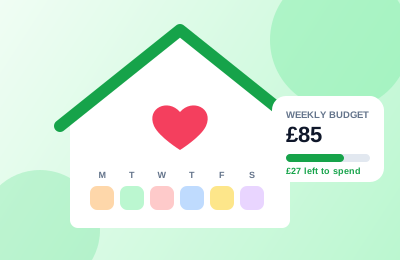
Put meals into a weekly plan, see what every meal costs, and keep the food shop inside your budget.
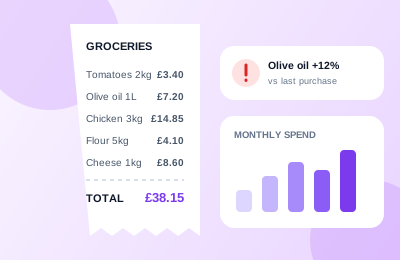
See how it worksBuild a shopping list with a running total, record what you actually pay, and spot price rises before they catch you out.
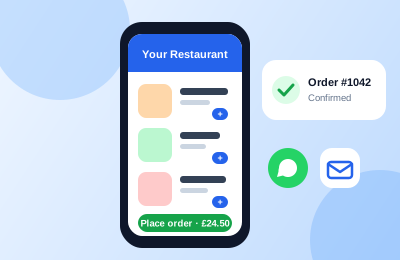
See how it worksPublish a menu page customers can order from, get an email for every order, and see what each one earns.
See how it worksHome-style recipes with the cost of every serving shown, a how-to-prepare method and an Ask AI helper. Add any recipe to your weekly plan.
Browse the recipesJoin CostBridge today and start your free 14-day trial. No credit card required.